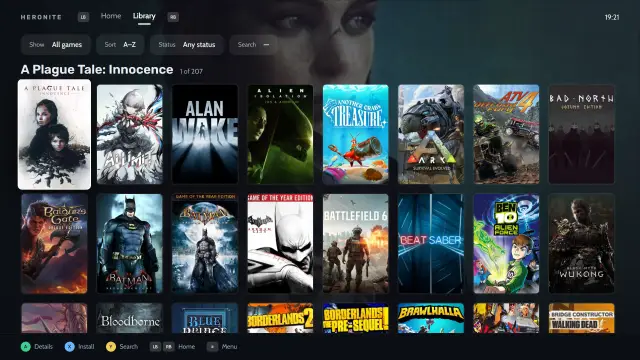
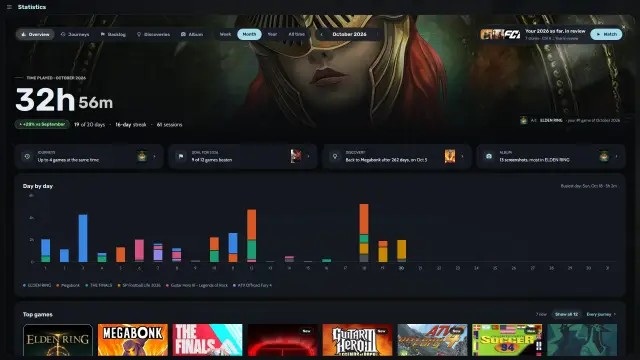
How do I get all my games into one Collection?
- Steam: Heronite reads your Steam libraries with no login.
- Epic Games, GOG and Amazon Games: log in on the Stores page and Heronite adds the whole library, installed or not.
- Battle.net, EA app, Ubisoft Connect and Rockstar Games: the games you install in each store app show up. On Linux, the store app runs in its own Wine prefix (a separate Windows folder for that app).
- Microsoft Store and PC Game Pass (Windows): Heronite adds games installed by the Xbox app, with no login.
- Emulators: Heronite detects them and scans your ROM folders.
- Other launchers: Heroic, Lutris, Bottles and Faugus games on Linux, and Playnite games on Windows, imported and kept in sync.
How do I add a game that is not from a store?
Press Ctrl N (or Add a game) to add:
- A Windows program (
.exe), run through Wine or Proton on Linux - A native Linux program, an AppImage or a start script
- A browser game, by its web address
- A ROM, or a whole ROM folder
To add many games at once, choose Add from folder in the ☰ menu.
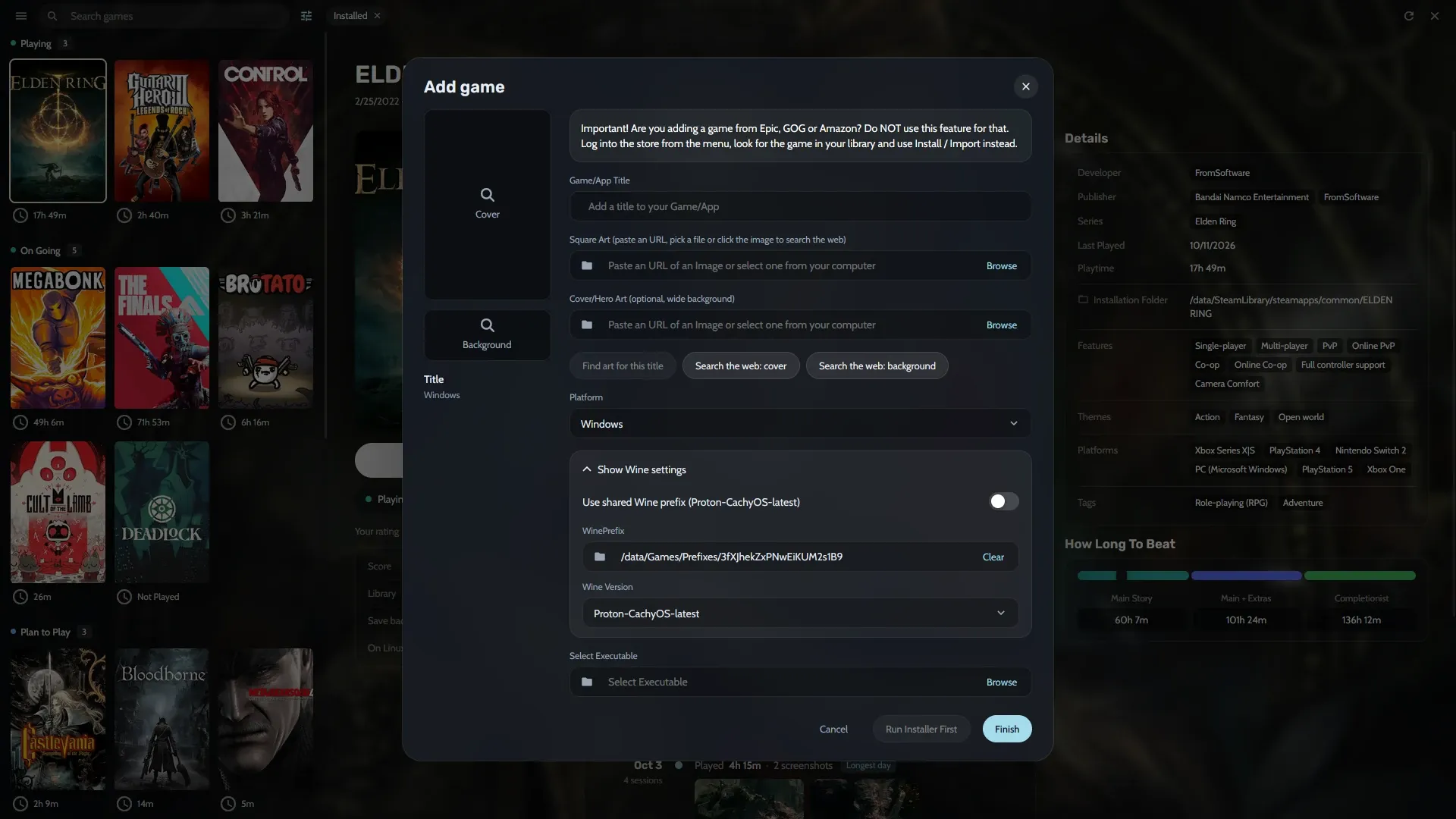
Adding a Windows game on Linux.
How do I group, filter and sort my games?
Focus is a list with a details panel: cover, screenshots, description and a timeline of play sessions. The grid shows covers only.
On either layout, group games by:
- Status, such as Playing, On going, Plan to play or Finished
- Store
- Genre
- Series
- Release year or another field
Save filters and sorting as views, such as Playing now, Backlog, Finished or Favourites.
How do I search the Collection?
Start typing anywhere in the Collection. Search forgives small typos, and Enter plays or installs the first result.
The command palette (Ctrl K) opens any page, runs any action and plays any game by part of its name. Press → on a game for its actions, like opening its settings or install folder.
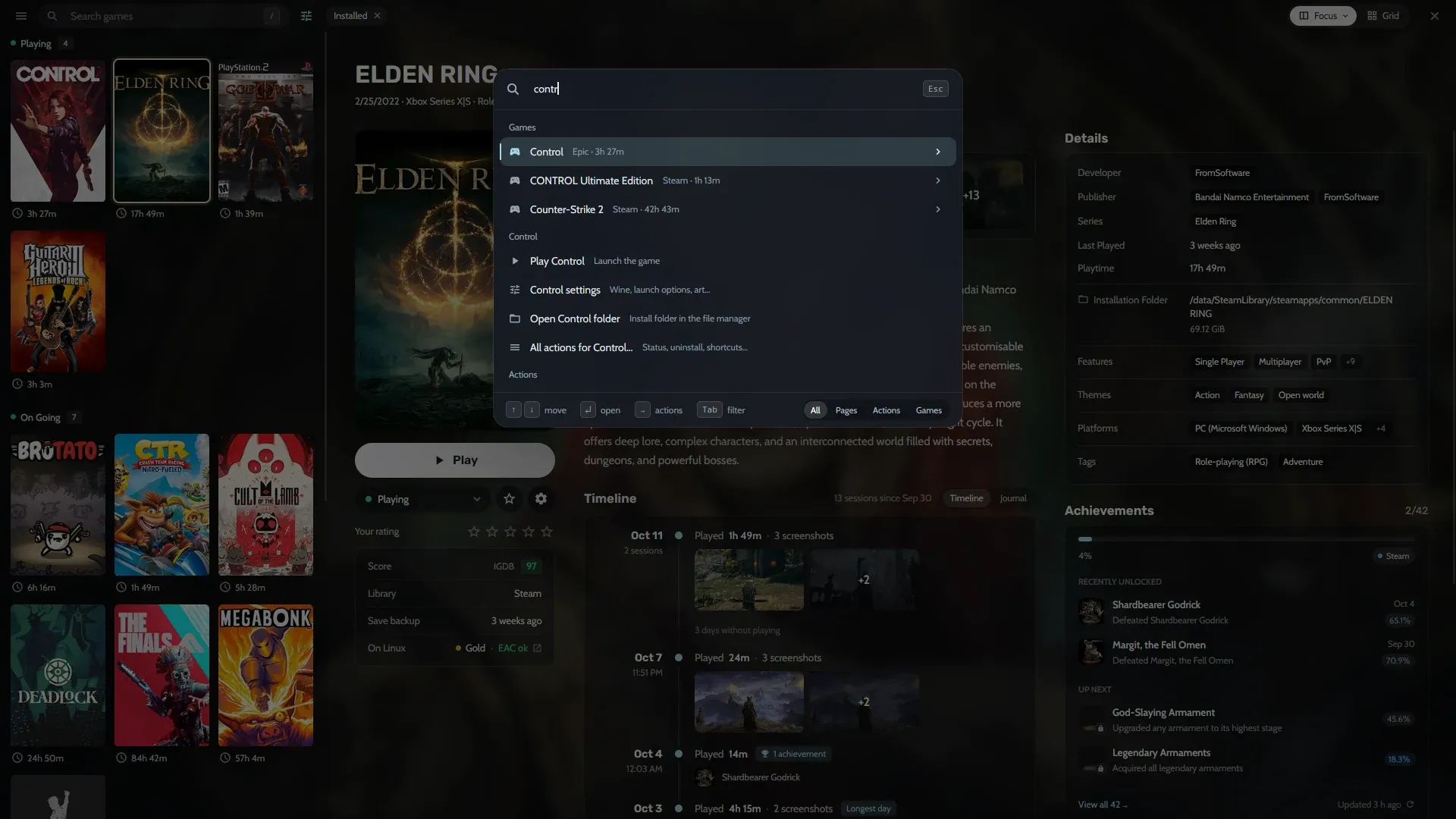
Searching “contr” in the command palette.
How do I edit many games at once?
- Select games with Space, Shift with the arrow keys, or Ctrl A.
- Press F3.
- Change their status, genres, series, companies and more.
Ctrl Z undoes the change. You can rename and merge genres, companies and series, so RPG and Role-playing (RPG) become one.
Where do covers and game details come from?
Covers, backgrounds and logos come from the stores and from Steam and Lutris metadata. So do descriptions and release dates. Two optional free keys add more:
- SteamGridDB for community covers, good for emulated and DRM-free games
- IGDB for descriptions, genres and series
Each game shows How Long To Beat times, ProtonDB ratings on Linux, anti-cheat status from Are We Anti-Cheat Yet? and achievements from Steam and RetroAchievements. Add the keys in Settings → Metadata; Metadata and art has the steps.
Can I keep notes on a game?
Yes. Every game has a journal for notes, such as where you left off or what you thought of an ending. It shares a timeline with your play sessions and the screenshots you took.