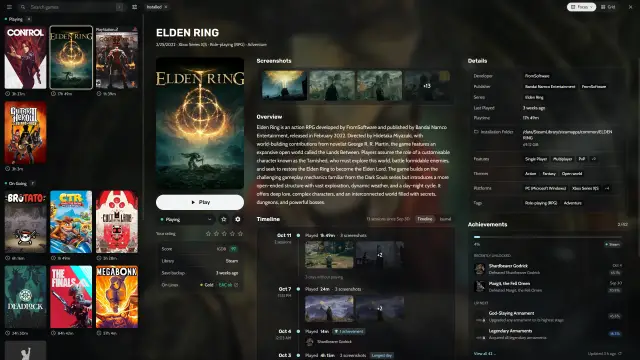
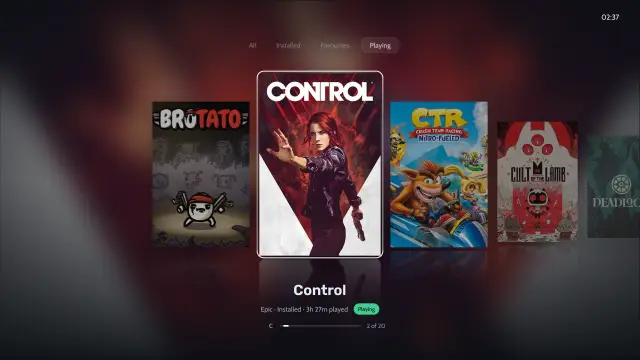
How fast and light is Heronite?
| Measure | Heronite |
|---|---|
| Start to library on screen | about 215 ms (median) |
| Memory while idle | about 190 MB in a single process |
| Memory closed to the tray | about 95 MB |
| CPU while idle | about 0.1% (0.05 s of CPU time over 60 s) |
| Install size | 64 MB |
What does “no Electron” mean for me?
Electron apps ship a full browser engine. Heronite does not. One native program reads your library and draws it on the GPU with GPUI, a UI framework for Rust.
The store login window is the one place that shows a web page. It is a small separate window that uses the web view already on your system (WebKitGTK on Linux, WebView2 on Windows). It opens only when you log in to Epic Games, GOG or Amazon.
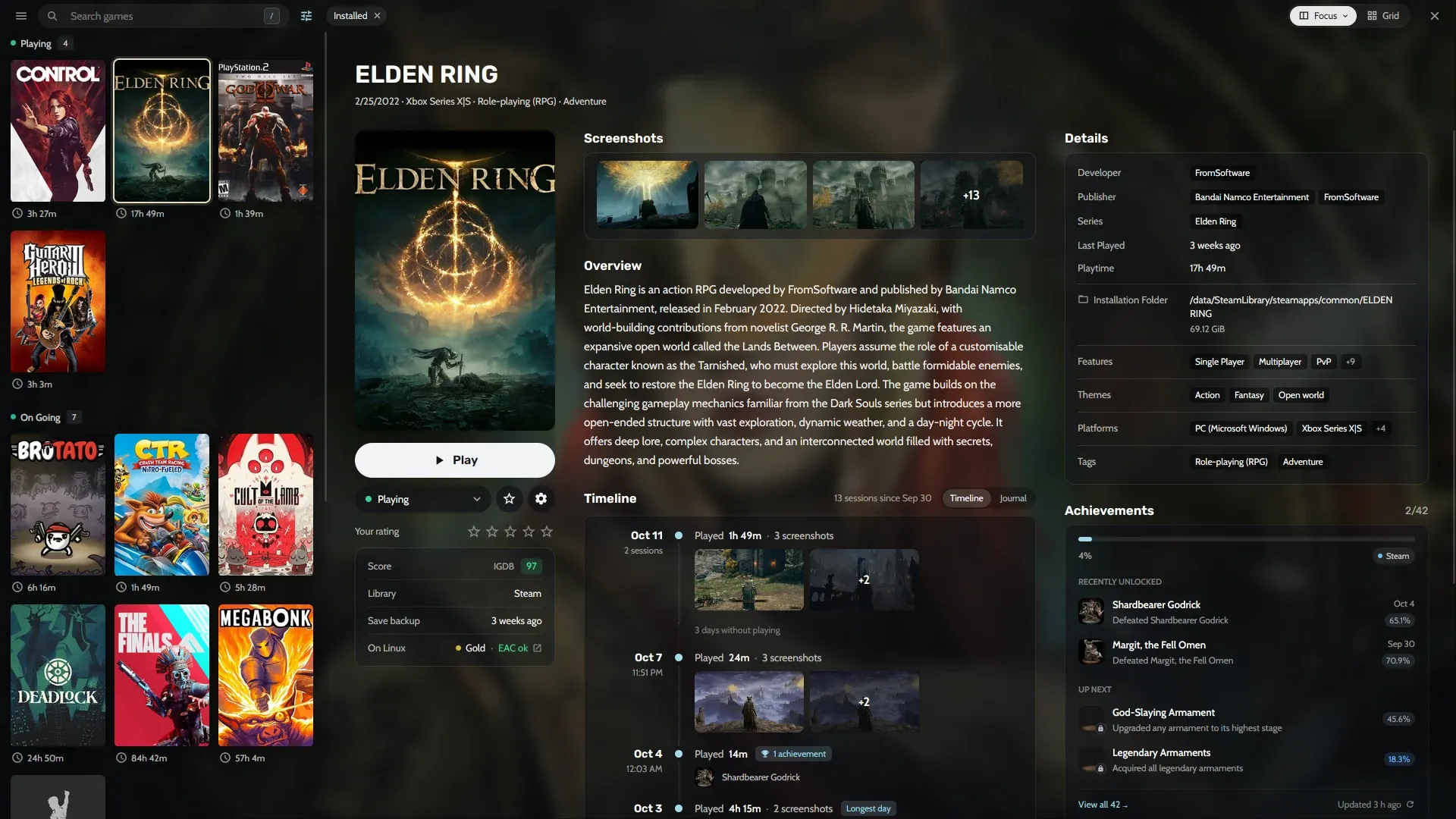
A full Collection with screenshots, details and a play timeline, drawn on the GPU.
What is in the 64 MB install?
Two parts: the app and the store login helper. The helper is a small separate program that runs only for the login window, so the main app stays a single process. Store tools like legendary, gogdl and nile run only when needed, such as while a game installs or updates.
Is console mode light too?
Yes. Console mode loads nothing until you turn it on. In Settings → Console mode, you can set it to open at startup or when a controller connects. See console mode.
Can I carry Heronite on a USB drive?
On Windows, yes. The portable copy is one folder with the program, your Collection, settings, caches and screenshots. Extract it anywhere or move it to a USB drive. It does not write to the registry. See the portable copy.
Can I turn background work off?
Yes. Set these environment variables:
| Variable | What it does |
|---|---|
HERONITE_NO_TRAY |
No tray icon |
HERONITE_NO_ANIMATIONS |
No animations |
HERONITE_DISABLE_IDLE_JOBS |
No background work while idle |
HERONITE_NO_UPDATE_CHECK |
No automatic update checks |
What does Heronite need to run?
Heronite runs on Linux (any distribution, x86_64) and Windows 10 and 11 (x86_64). On Linux it draws with Vulkan, so you need a working Vulkan driver: Mesa for AMD and Intel, or the proprietary driver for NVIDIA.
If the window does not open or is black, run vulkaninfo and check that it lists your GPU. See Troubleshooting and Installation.
Next: download Heronite.