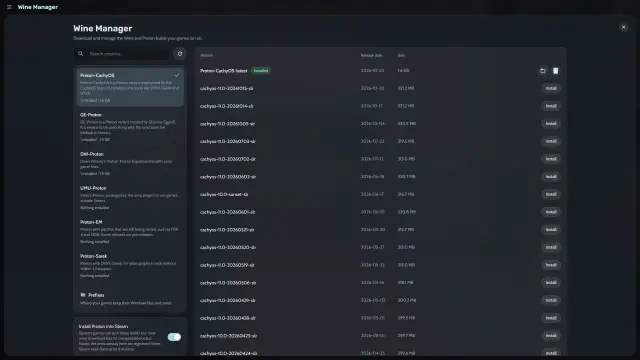
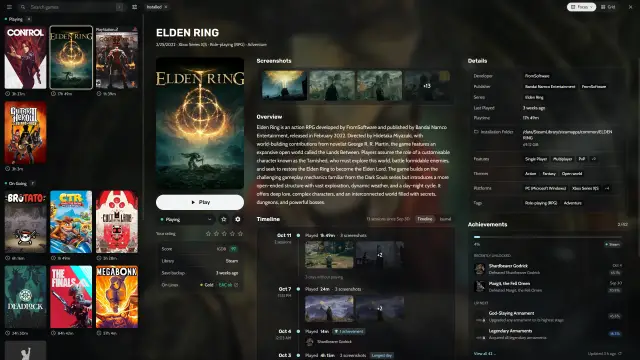
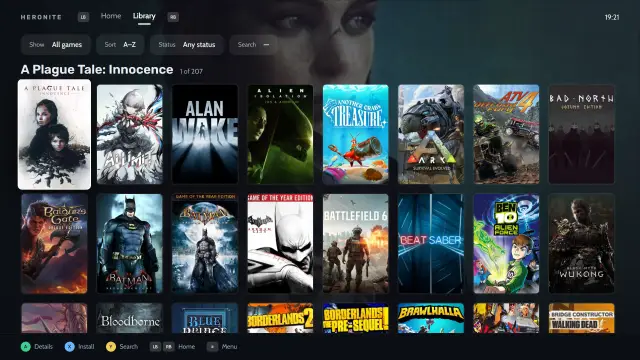
What you need
- A 64-bit Linux PC with a working Vulkan driver. Run
vulkaninfo --summaryto check that it lists your GPU. Older 32-bit games also need the 32-bit Vulkan driver. - An Epic Games account.
- Free disk space. Games install to
~/Games/Heroniteby default.
Install Heronite
Get the AppImage from the download page:
chmod +x Heronite-x86_64.AppImage
./Heronite-x86_64.AppImage
Packages for other distributions are in the installation guide. On Steam Deck, follow the Steam Deck guide.
Log in to Epic Games
- Open Stores (Ctrl 4).
- Choose Epic Games.
- Press Log in.
- Log in on Epic’s page in the window that opens.
Your whole Epic library then appears in Heronite, installed or not. If the login window does not open, use Or log in with your browser on the same page and paste the code it gives you. More in Troubleshooting.
Claim the free weekly games
Heronite does not claim Epic’s free games, so claim them on Epic’s site:
- Open Epic’s store page in your browser and log in with the same account.
- Claim the free game.
- In Heronite, open Stores → Epic Games and press Refresh library.
The game then shows up in your library. If it is missing, check that you used the same Epic account, then refresh again.
Install and play an Epic game
- Look at the On Linux row in the game’s details. It shows the ProtonDB rating and the anti-cheat status. Gold or Platinum usually runs with no work.
- Select the game and press Enter, or choose Install with Epic Games.
- Check the folder under Select install path.
- Press Install. The download appears on the Downloads page (Ctrl 2).
- When it finishes, select the game and press Enter to play.
Each game gets its own Wine prefix (a separate Windows folder for that game). If the game’s files are already on disk, choose Import game and select the folder.
Change the Proton version
If a game does not start or runs badly, open Game settings → Compatibility and choose another build in Version. The ProtonDB line there often names the best one. To choose before you install, open Show Wine settings in the install dialog and set the Wine version.
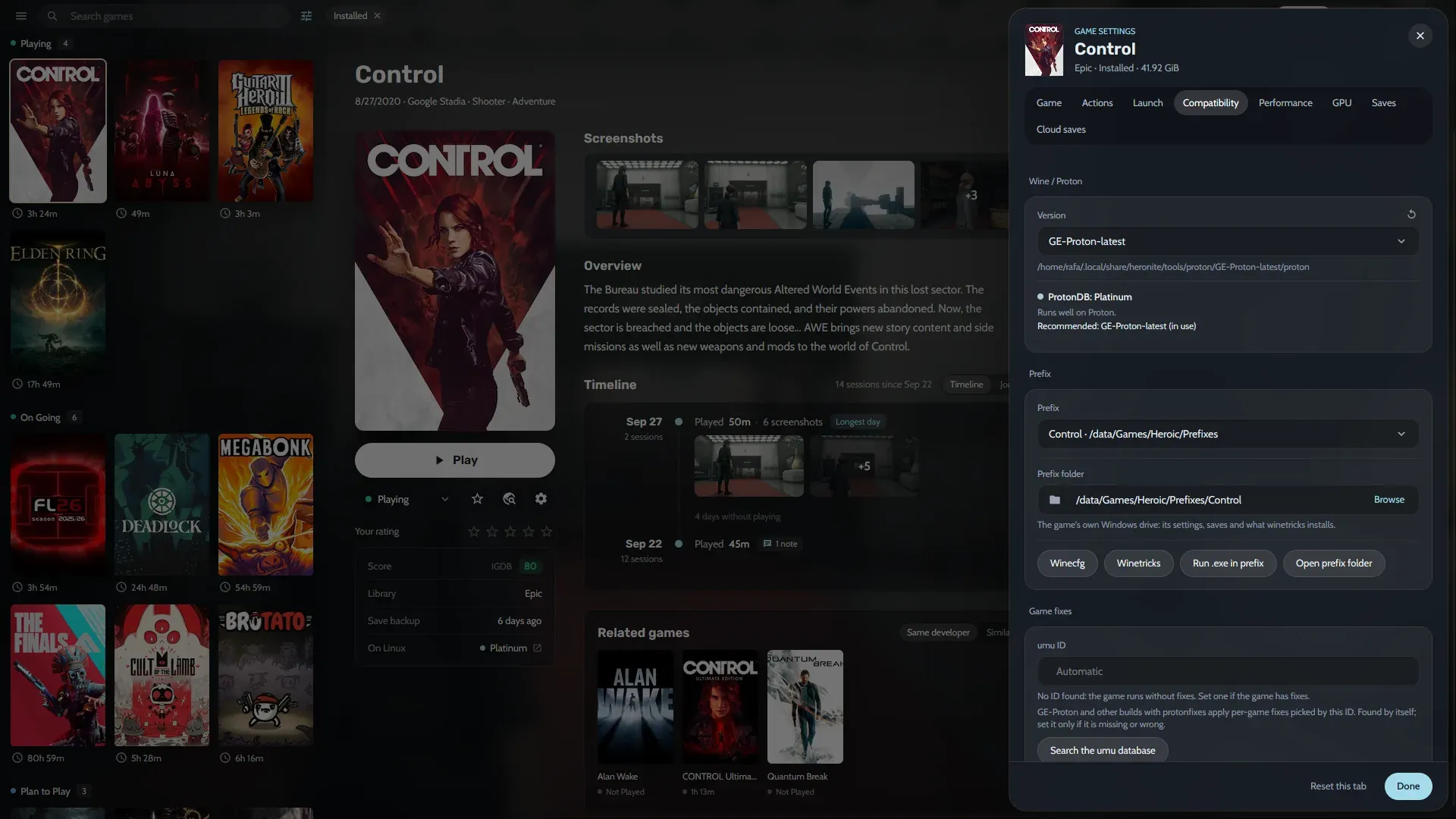
GE-Proton and Proton-CachyOS often have fixes before other versions. The GE-Proton guide shows how to install them.
Which Epic games does anti-cheat block?
Anti-cheat is the main reason an online Epic game won’t run on Linux. Single-player games are rarely affected.
- Some games with Easy Anti-Cheat or BattlEye work. Turn on the matching runtime under Anti-cheat runtimes in Game settings → Compatibility, and Heronite downloads it before the next launch.
- Games whose developer does not allow Linux, such as Fortnite, will not run.
Are We Anti-Cheat Yet? tracks the status of every game. The docs explain anti-cheat in more detail.
An Epic game won’t start on Linux
Read its launch log in Settings → Logs. Troubleshooting covers missing DLLs, DirectX 12 and Vulkan errors.