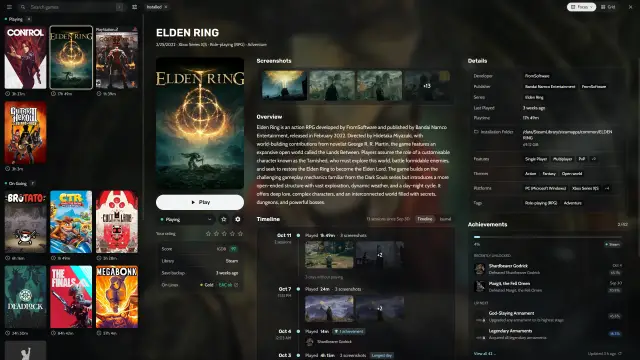
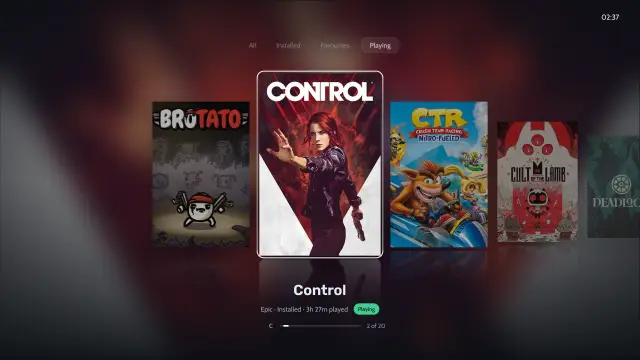
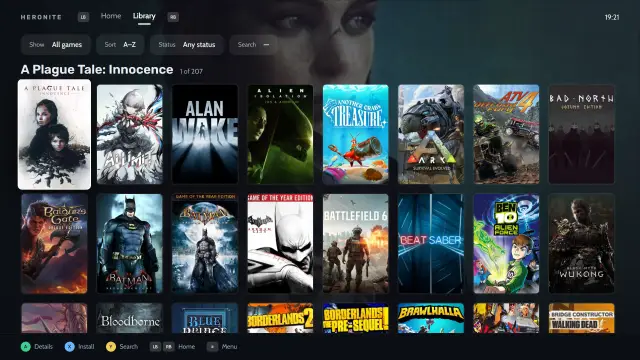
Emulated games join the same library as your PC games, with play time and a timeline of sessions.
How do I set up emulation in Heronite?
- Download Heronite for Linux or Windows.
- Install the emulators you want.
- Put your ROMs in one subfolder per system.
- Open the Emulators page (Ctrl 5).
- Choose Detect emulators… to find the ones installed on your PC.
- Press Add ROM folder, then choose the emulator and the folder with its ROMs.
Heronite scans the folder and adds its games. Scan all folders now picks up games you add later.
Which emulators does Heronite support?
Heronite supports the 17 emulators below and any custom one. Install them from your distribution, Flathub or their websites. Heronite finds them on PATH, as Flatpaks and as RetroArch cores.
| Emulator | Systems |
|---|---|
| RetroArch | Many, through cores |
| Dolphin | GameCube, Wii |
| PCSX2 | PlayStation 2 |
| DuckStation | PlayStation |
| PPSSPP | PSP |
| RPCS3 | PlayStation 3 |
| shadPS4 | PlayStation 4 |
| Vita3K | PlayStation Vita |
| Cemu | Wii U |
| Ryujinx | Switch |
| Azahar (or Citra) | 3DS |
| melonDS | Nintendo DS |
| mGBA | Game Boy, Game Boy Advance |
| Xemu | Xbox |
| Flycast | Dreamcast |
| MAME | Arcade |
| ScummVM | Adventure games |
| Custom | Any other emulator: give the program and its arguments |
If a game will not start, see Troubleshooting.
Which RetroArch core does Heronite use for each system?
RetroArch plays systems through cores. Heronite uses this default core for each:
| System | Default core |
|---|---|
| NES | nestopia |
| SNES | snes9x |
| Game Boy | gambatte |
| Game Boy Advance | mgba |
| Nintendo 64 | mupen64plus_next |
| Nintendo DS | melonds |
| Mega Drive, Master System, Game Gear | genesis_plus_gx |
| Saturn | mednafen_saturn |
| Dreamcast | flycast |
| PlayStation | pcsx_rearmed |
| PSP | ppsspp |
| PC Engine | mednafen_pce_fast |
| Neo Geo Pocket | mednafen_ngp |
| WonderSwan | mednafen_wswan |
| Lynx | mednafen_lynx |
| Atari 2600 | stella |
| Arcade | fbneo |
| MAME | mame |
Install cores from RetroArch’s Online Updater. Heronite looks in RetroArch’s cores folder (~/.config/retroarch/cores on Linux, %APPDATA%\RetroArch\cores on Windows), the Flatpak and the system libretro folders. See RetroArch cores.
Where do I put my ROMs?
Keep one subfolder per system:
ROMs/
├── snes/
├── psx/
└── gba/
On the first start, Heronite scans common ROM folders if they exist. On Linux these include ROMs, Emulation/roms and Games/ROMs in your home folder, plus retrodeck/roms for RetroDECK. On Windows they include ROMs, Emulation\roms and Games\ROMs in your user folder and at the top of each drive.
ROM folders has the full list. Scans skip folders named bios, firmware, saves, states, cheats, system, media and manuals.
How are multi-disc games and save states handled?
Games read from .m3u, .cue and .gdi files show up once in your library instead of once per disc. A game’s page lets you continue from a save state, so you pick up where you left off.
Do emulated games get covers and achievements?
Yes. Every game added from a ROM folder gets art like any other game. SteamGridDB covers suit emulated games well. Add its optional free key in Settings → Metadata, as Metadata and art describes.
For achievements, connect a RetroAchievements account in Settings.
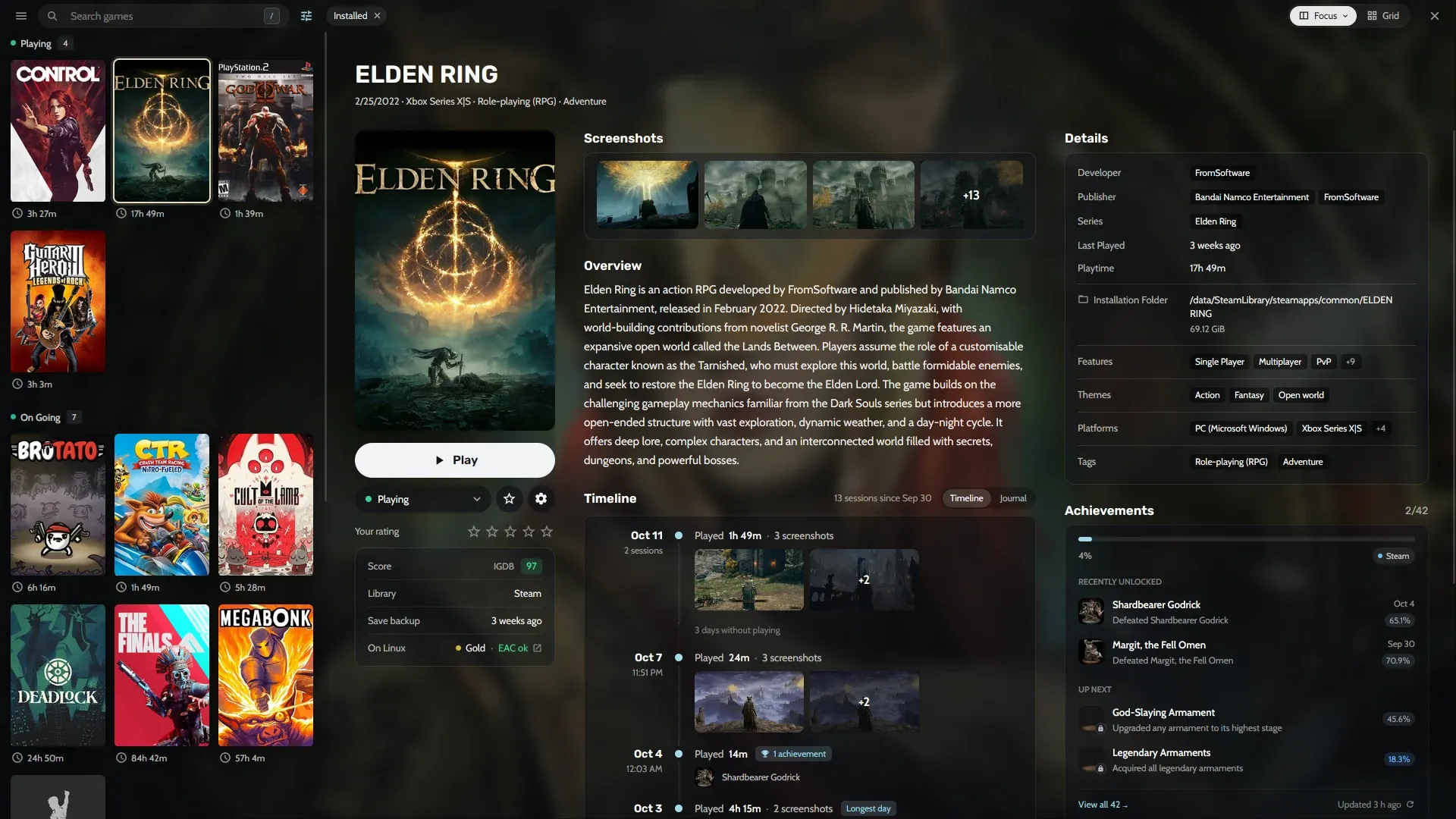
A game page with art, a Play button, details and a timeline of sessions.
Can I play emulated games with a controller?
Yes. Console mode shows your whole library, emulated games included, on a controller-first layout for the couch or a TV. Heronite records their play time too. On a Steam Deck, see the Steam Deck guide.
Next: add your PC games on the Stores and launchers page.