
Linux guide
Epic Games on Linux
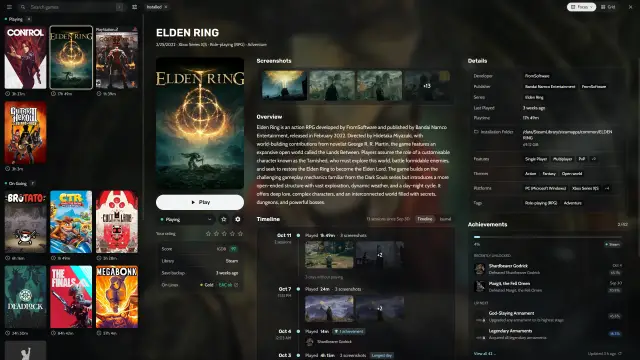
Log in to Epic in Heronite, install your games through Proton and check anti-cheat support before you download.
Step by step: Epic, GOG, Amazon, Battle.net and more on Linux and the Steam Deck, plus GE-Proton.
Log in to Epic in Heronite, install your games through Proton and check anti-cheat support before you download.
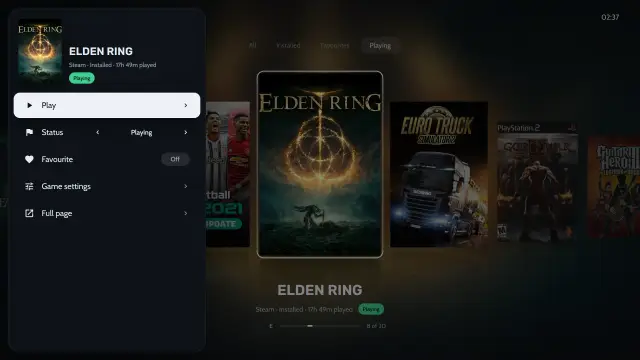
Install the AppImage in Desktop Mode, add it to Steam with the --console option, then play your other stores from Gaming Mode.
Log in to GOG in Heronite to install your library, or add DRM-free offline installers and game folders by hand.
Set up Battle.net from the Stores page, log in, install your games in it and play them from your Heronite library.
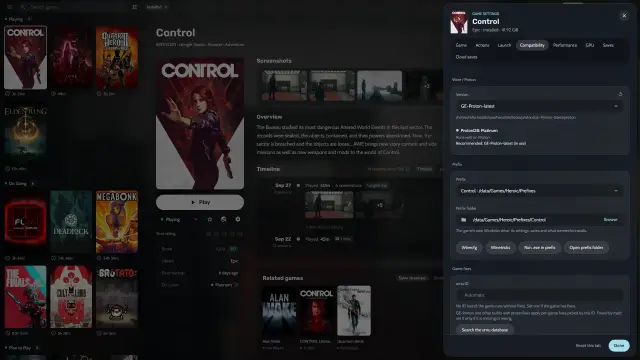
Log in to Amazon in Heronite and your Prime Gaming and Amazon games join your library, ready to install through Proton.
Set up each store app from the Stores page, log in inside it, install games there and play them from your Heronite library.
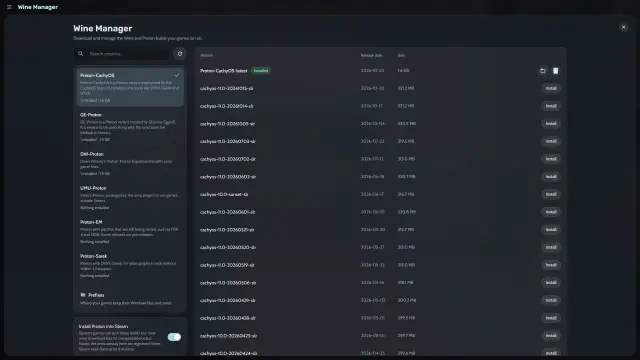
Open the Wine Manager, install GE-Proton or Proton-CachyOS, and choose the build for each game in Game settings.